
How to Use the Wiki
Welcome to the Bedrock Perfected Wiki! This guide will show you how to find what you need on a computer and on a phone.
Using a Computer
Using the wiki on a computer is easy. You can find everything by looking at the Sidebar on the left side of your screen. It groups pages into clear sections, like New Biomes and New Structures.

Using Search
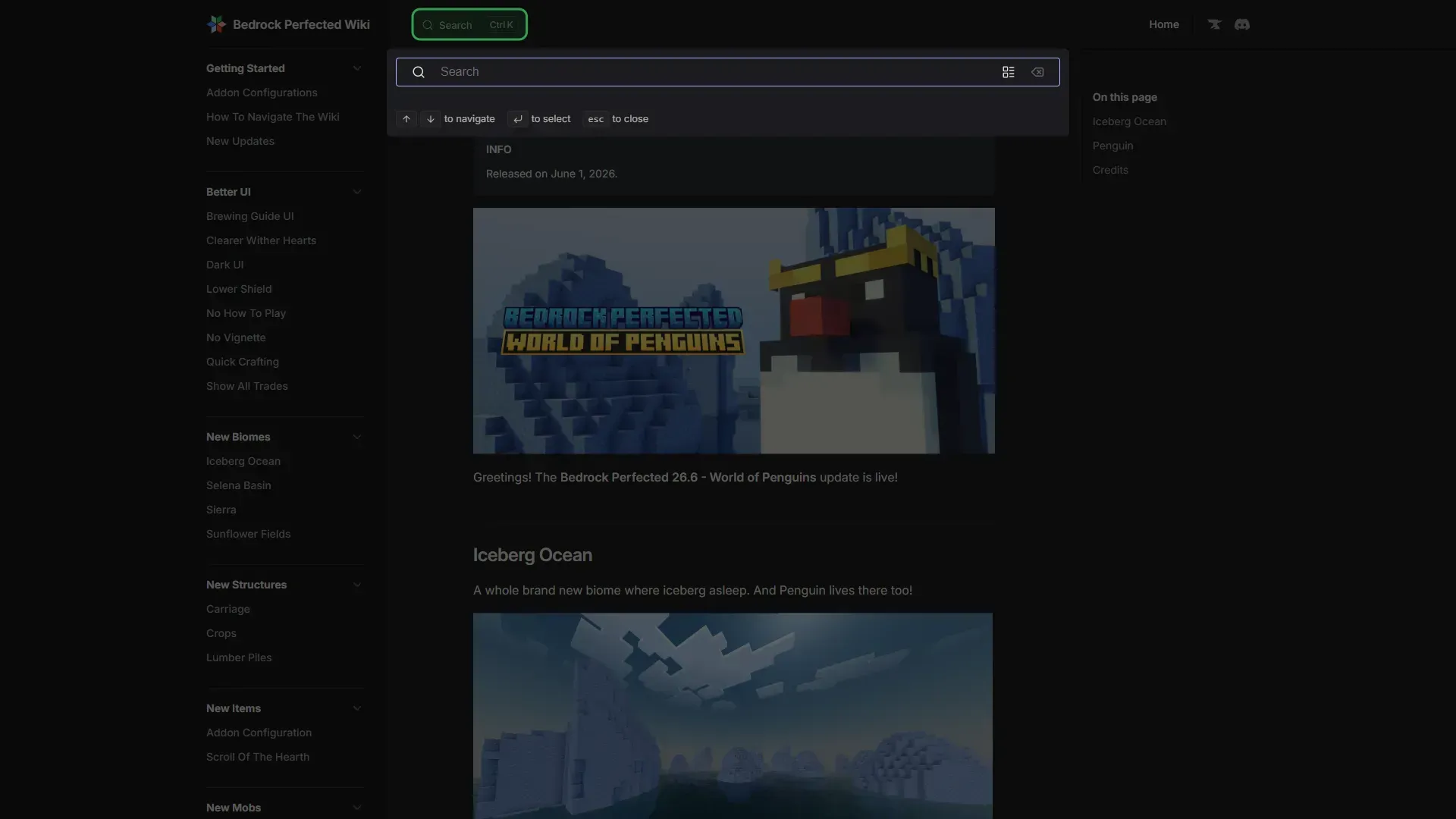
If you know what you want to find, use the search bar.
You can open search by:
- Clicking the Search box at the top of the page.
- Pressing
Ctrl + K(orCmd + Kon Mac) on your keyboard.
Just start typing, and the wiki will show you the best results.
Using a Phone
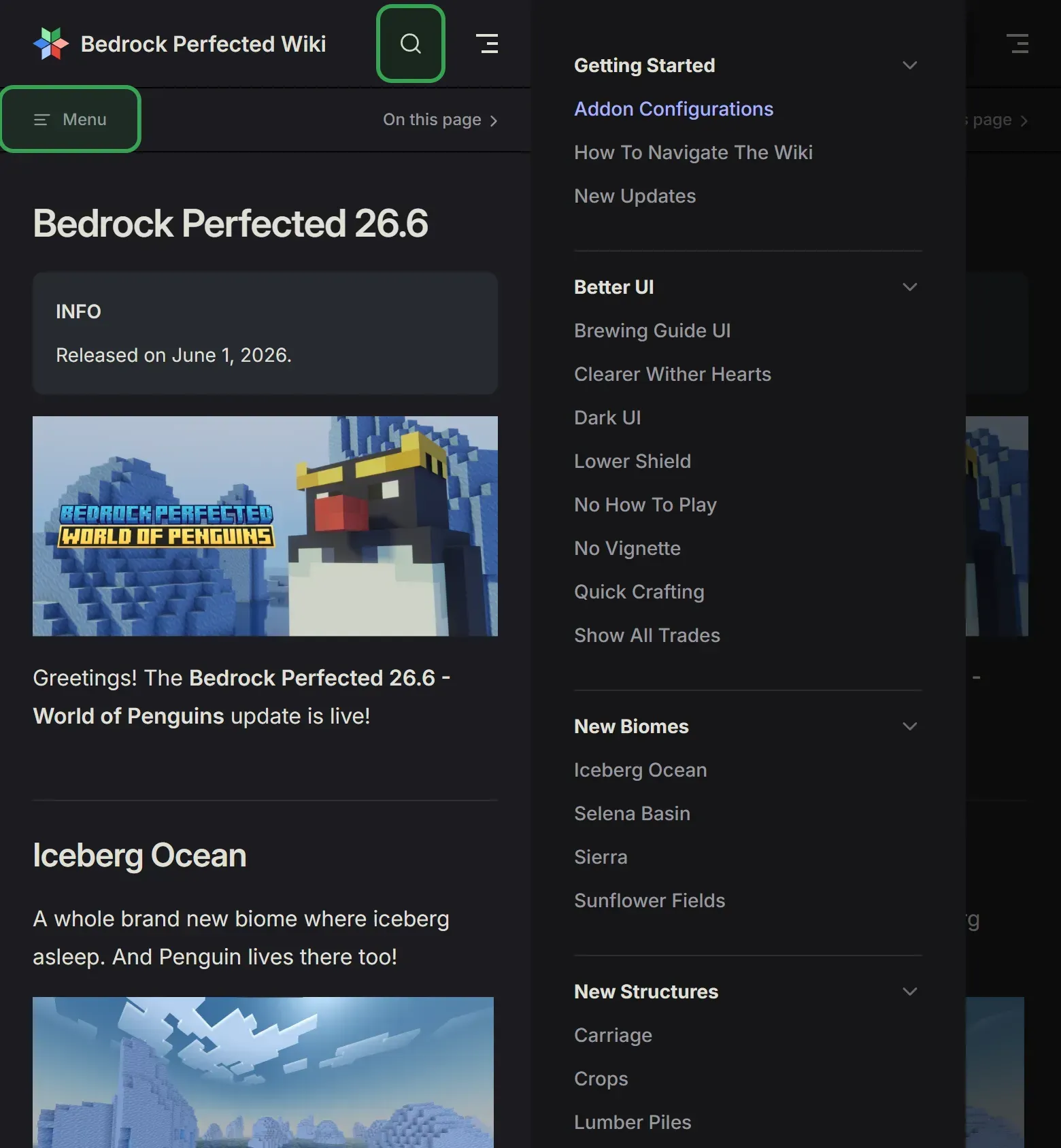
The wiki works great on phones, too.
To open the menu and see all pages, tap the Menu button (the word "Menu" with lines next to it) just below the top bar. To search, tap the Magnifying Glass icon at the top of your screen.
TIP
Need more help? If you still cannot find what you need, please join our Discord server. Our community will be happy to help you!