
Bedrock Perfected 26.4
INFO
Released on April 1, 2026.
Hello everyone. It's 1st of April but it's not fools day for Bedrock Perfected! — Here's the April update, for real!
This release expand your exploration journey by introducing several new biomes!
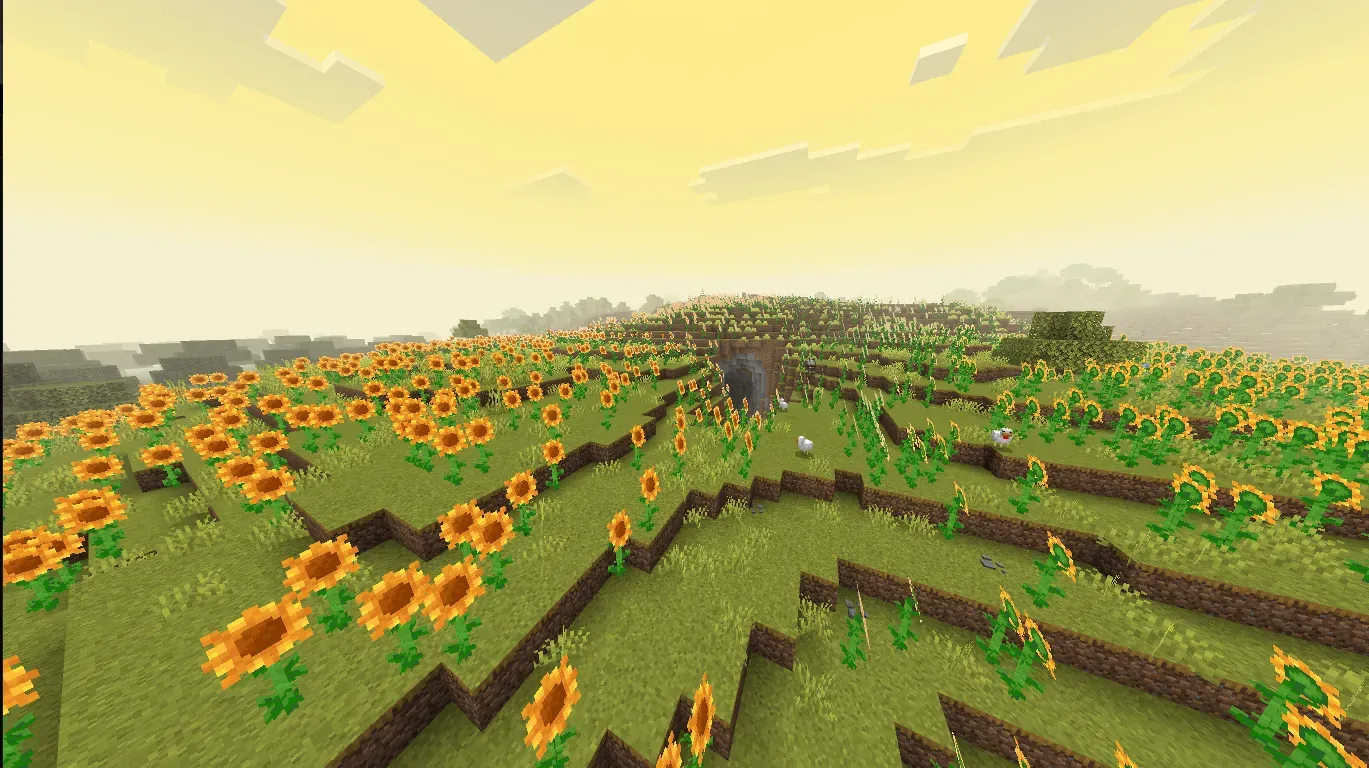
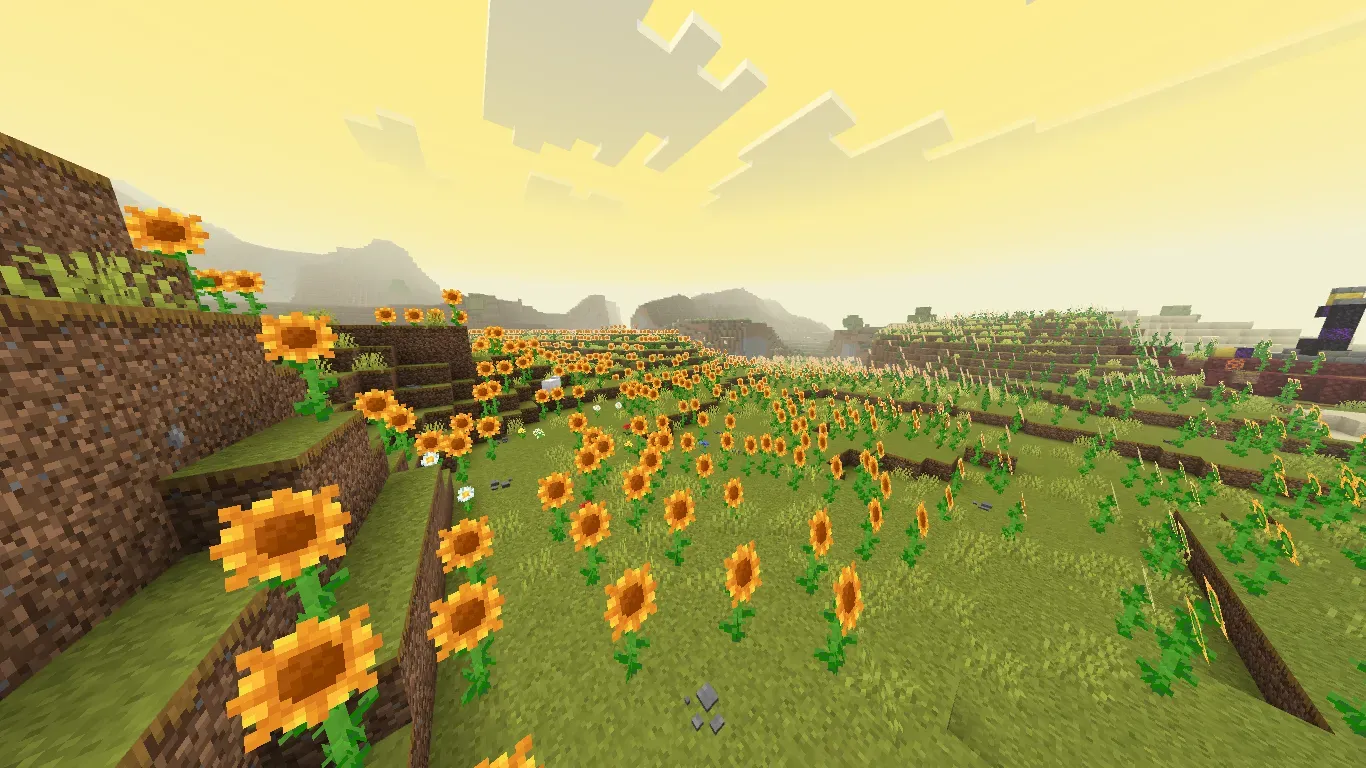
Sunflower Fields
Biome fulls of pretty Sunflowers.
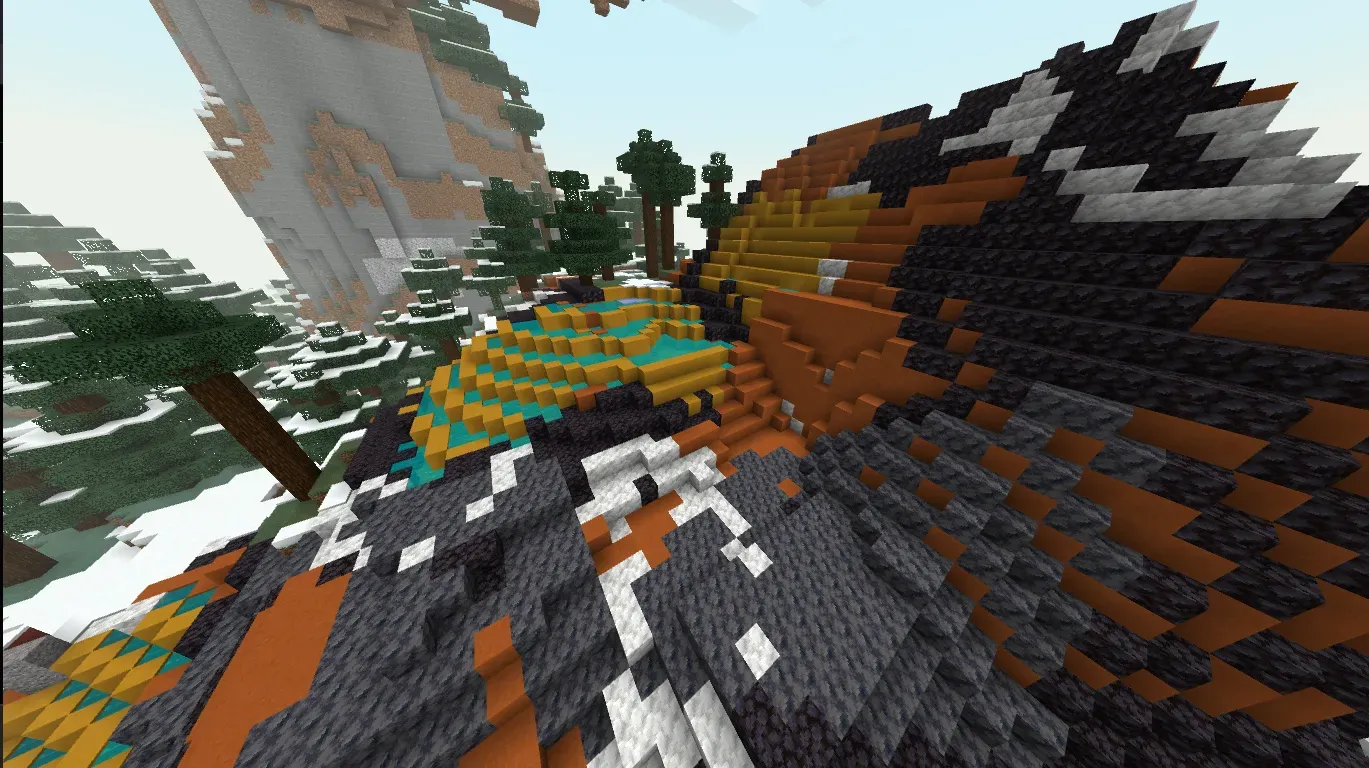
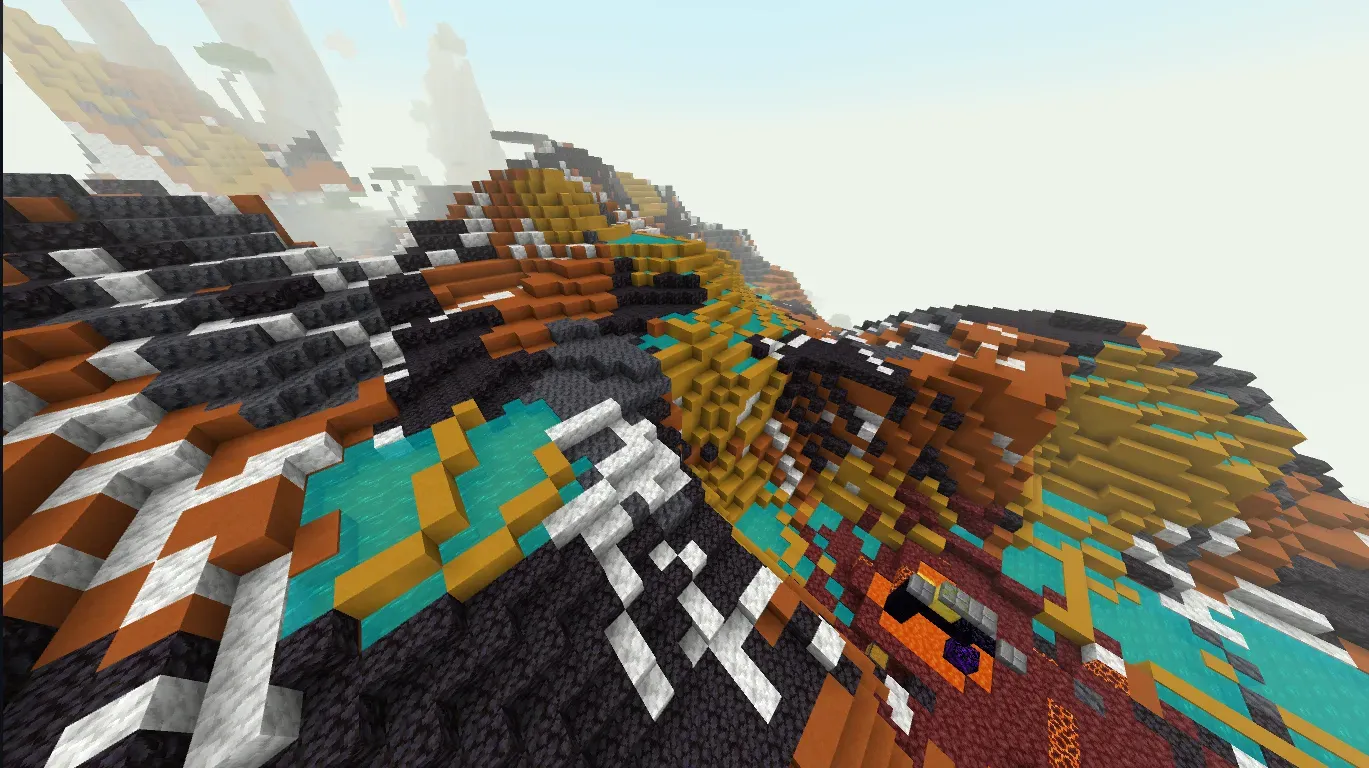
Sierra
Rich of minerals biome with occasional hotspring occurances.
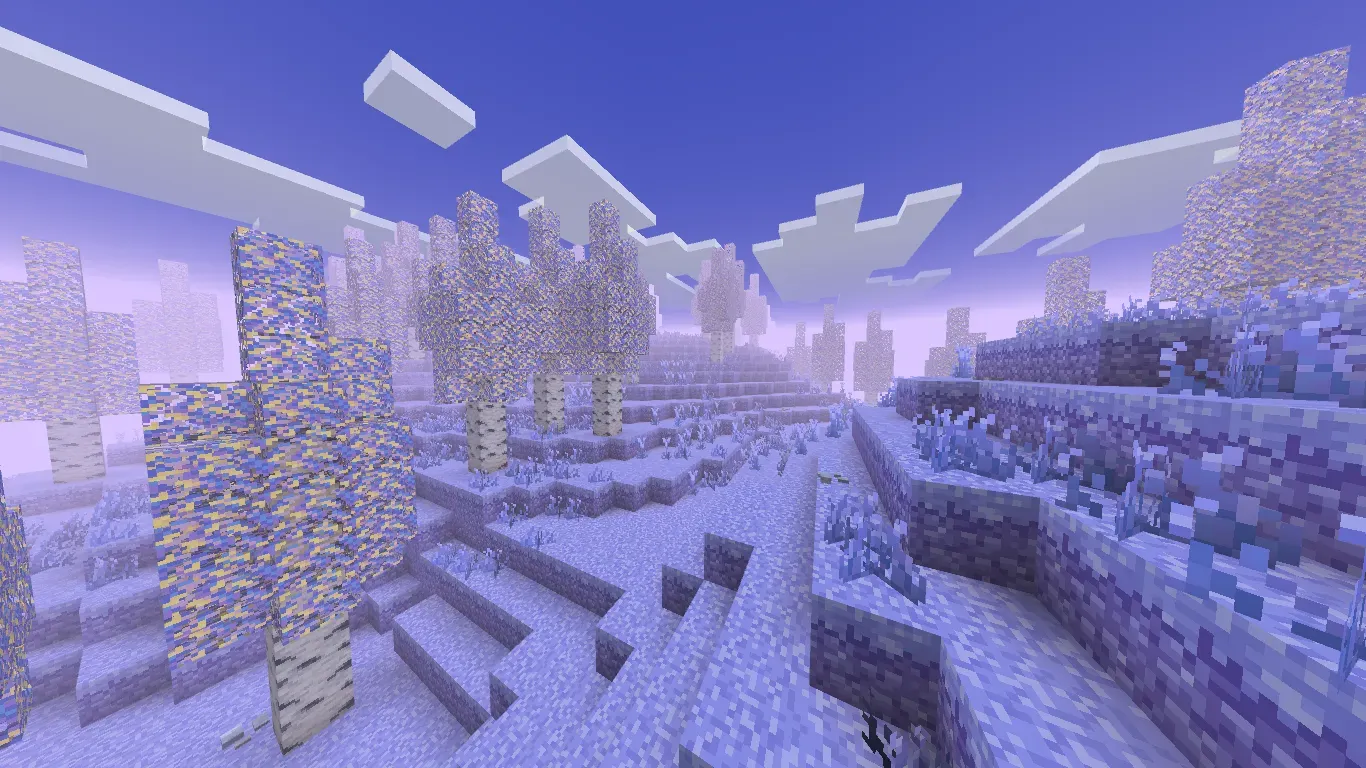
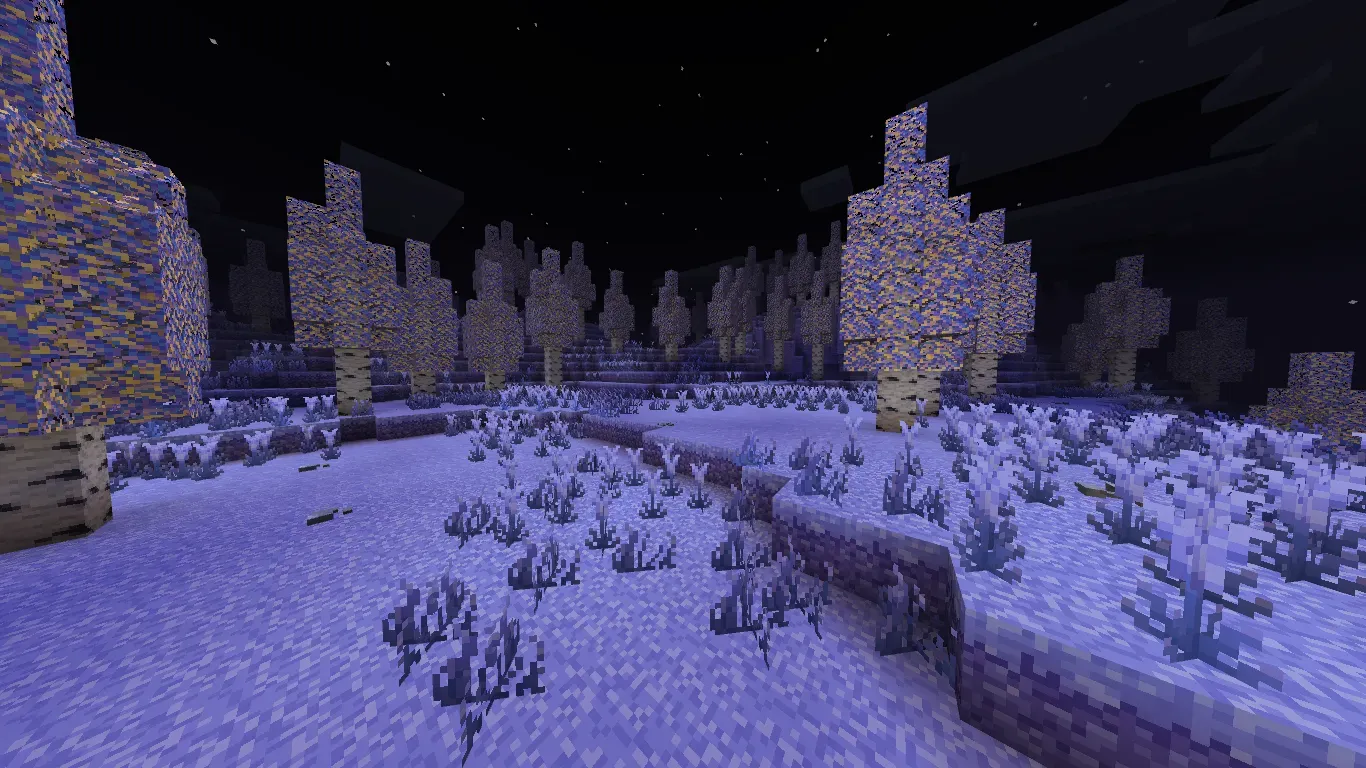
Selena Basin
"The Moon Goddess been here before."
That's all for 26.4 — see you next month with another major update!
Need help, want to suggest something, or found a bug? Join our Discord server here!
Also, below is last month's update. Sorry I forgot to update the Wiki link at the time of releasal.
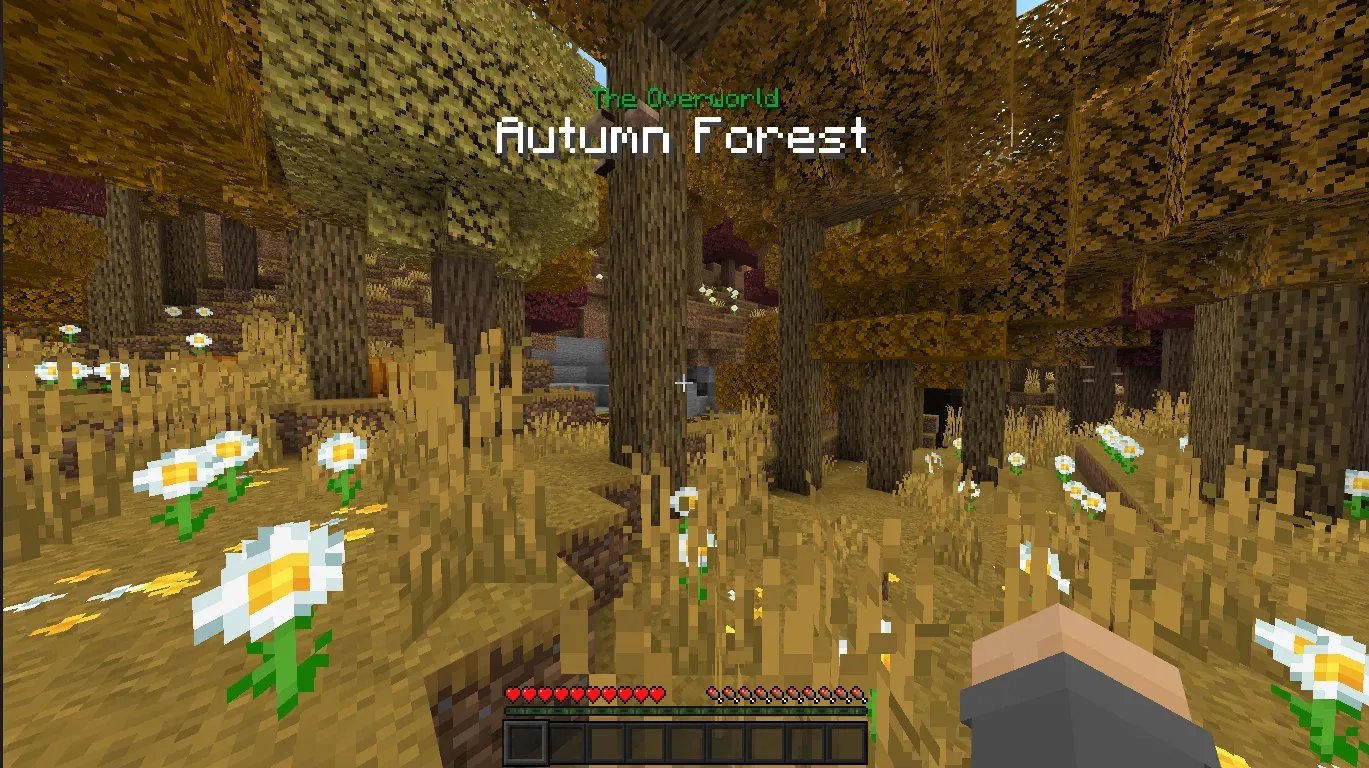
Revamped Biome Notifier
Some of you said the previous Biome Notifier felt annoying, so this update ships a revamped version.
The new notifier is smaller and uses quieter, improved sounds.
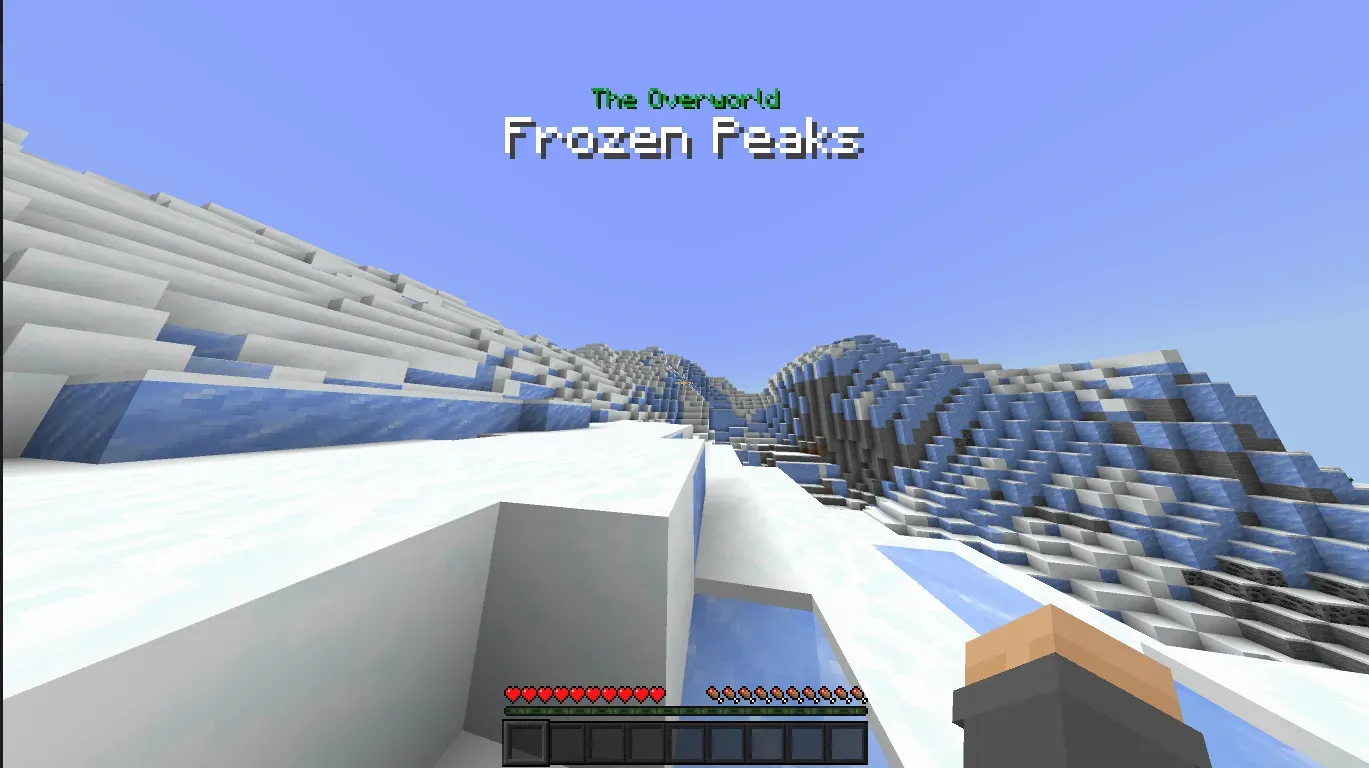
Don't worry, the new version is still compatible with custom biomes!
INFO
Shot with Biomes and Beyond add-on by iKorbon.
Settlement Mechanics
Ever wanted to show your city name to other players? Now you can — set a custom radius that notifies players when they enter your settlement.
To do this you need the new Scroll of the Hearth item.

Use the item to open this menu.
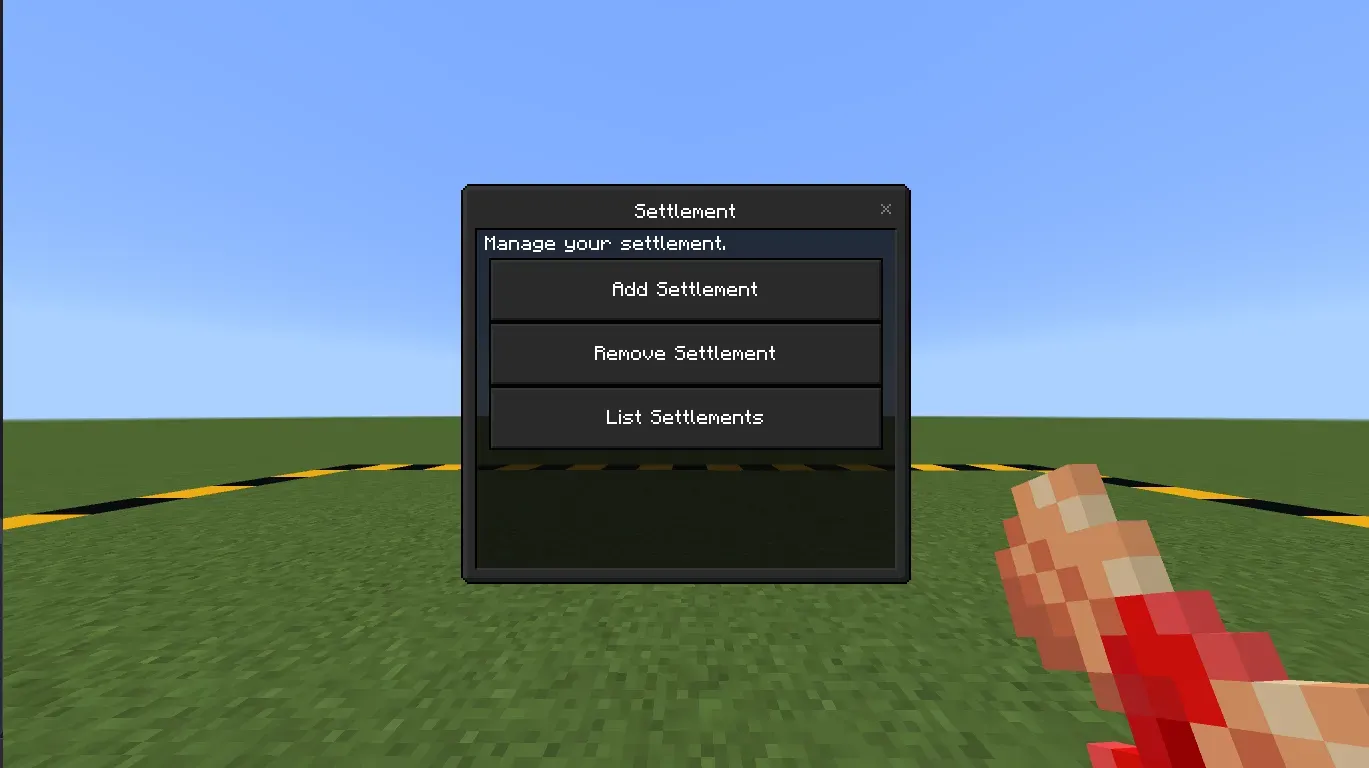
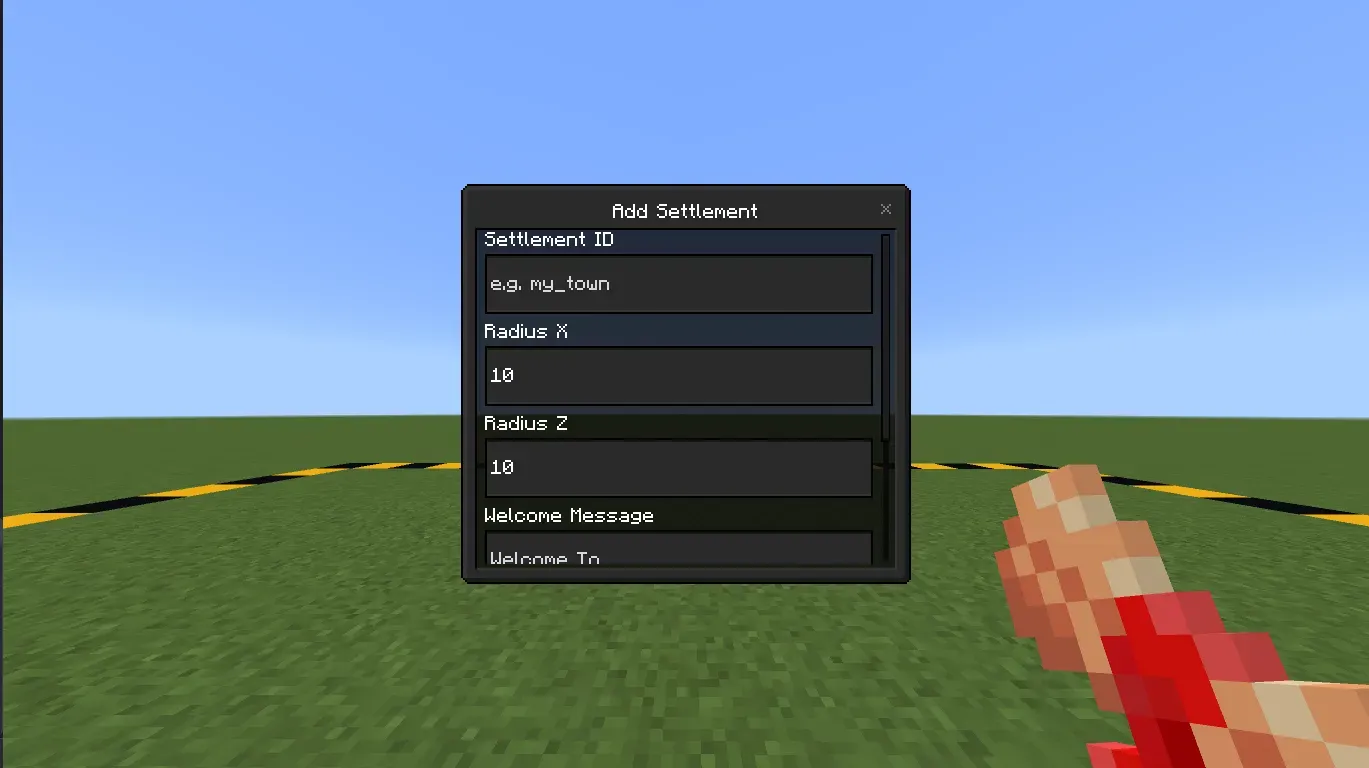
Click Add Settlement then fill out all the form to create your first settlement.
Details
Settlement ID is a unique identifier for your settlement; it cannot match an existing settlement ID.
Radius X and Radius Z is the length and width of your settlement.
Welcome Message is the small text at the top side of the notification.
Settlement Name is the big text at the bottom side of the notification.
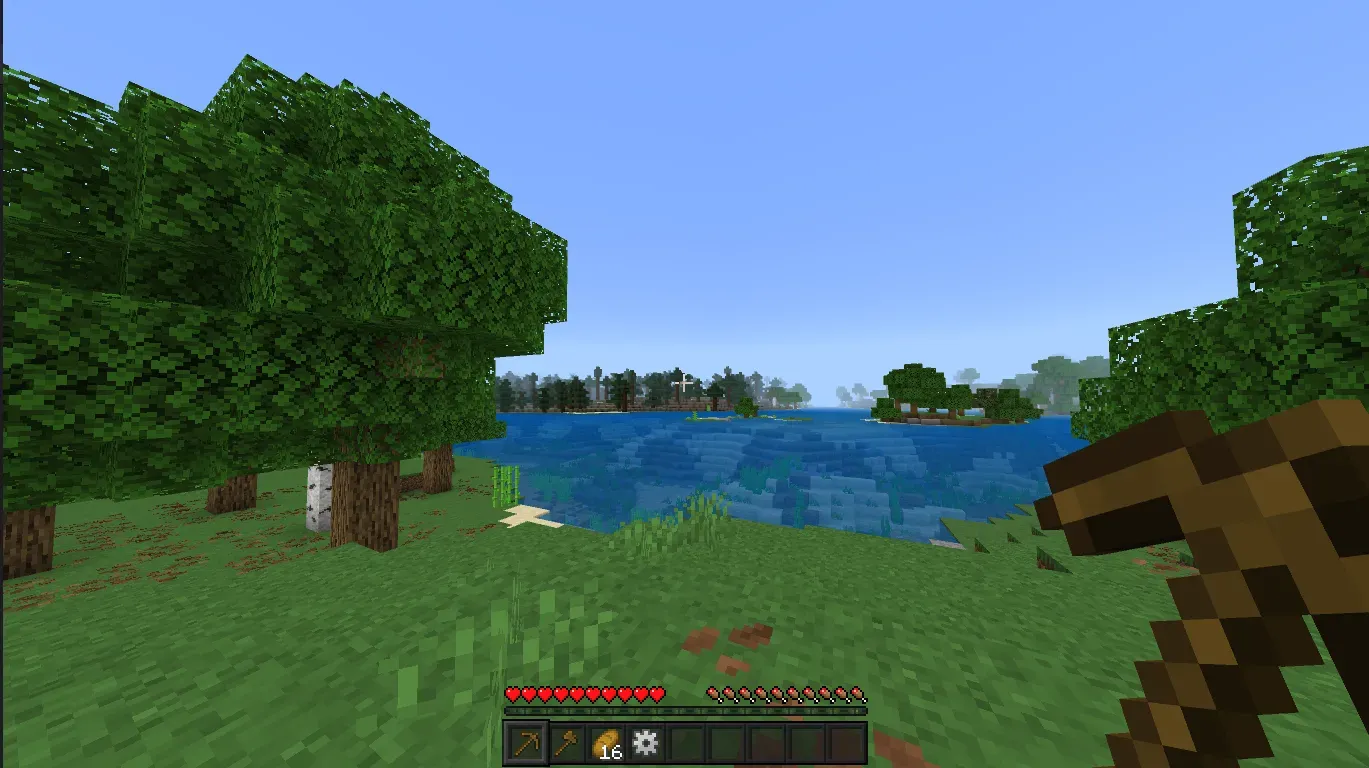
Starter Kits
Ever think the start of your journey is too hard? Now you'll receive a starter kit when you begin!
Addon Configurations
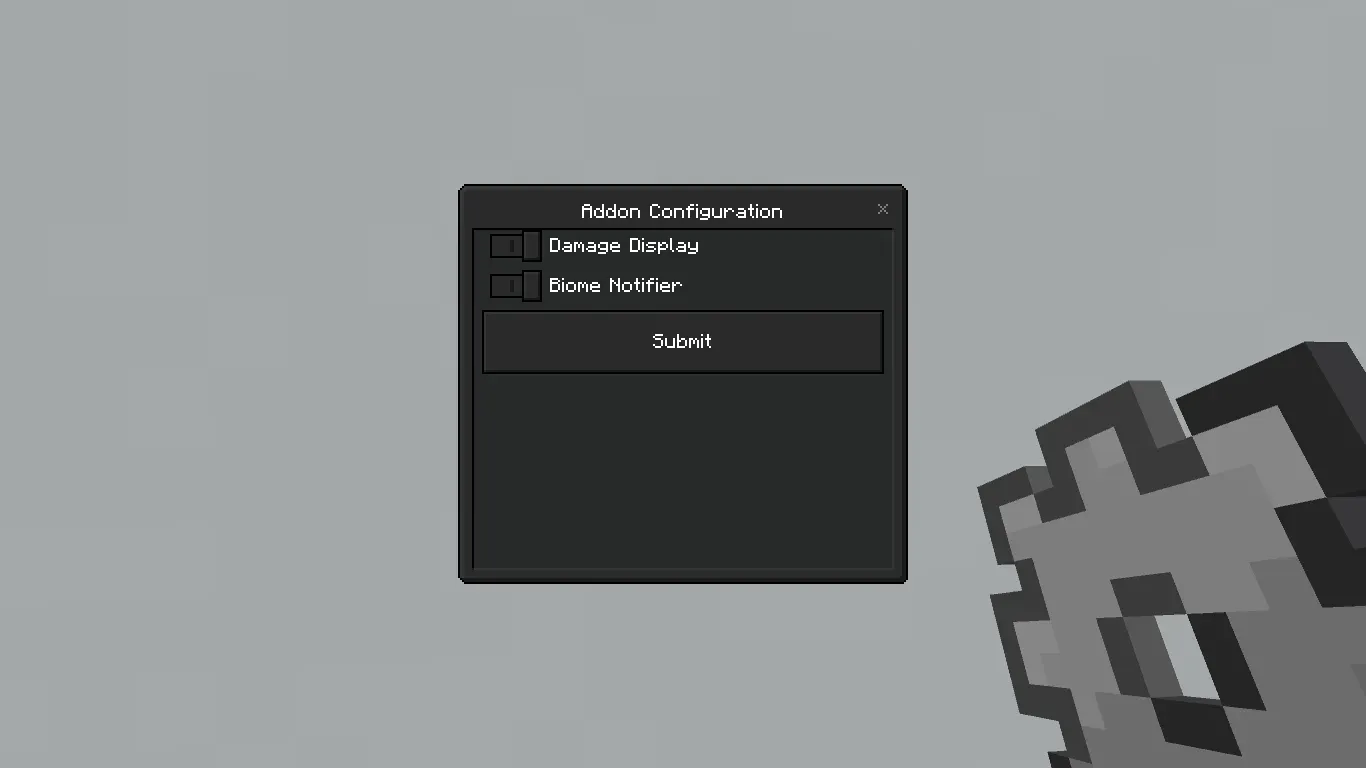
Some of you asked for add-on options so you can pick which features to use — now that's available!
You can choose a theme in the subpacks menu — Default or Dark.
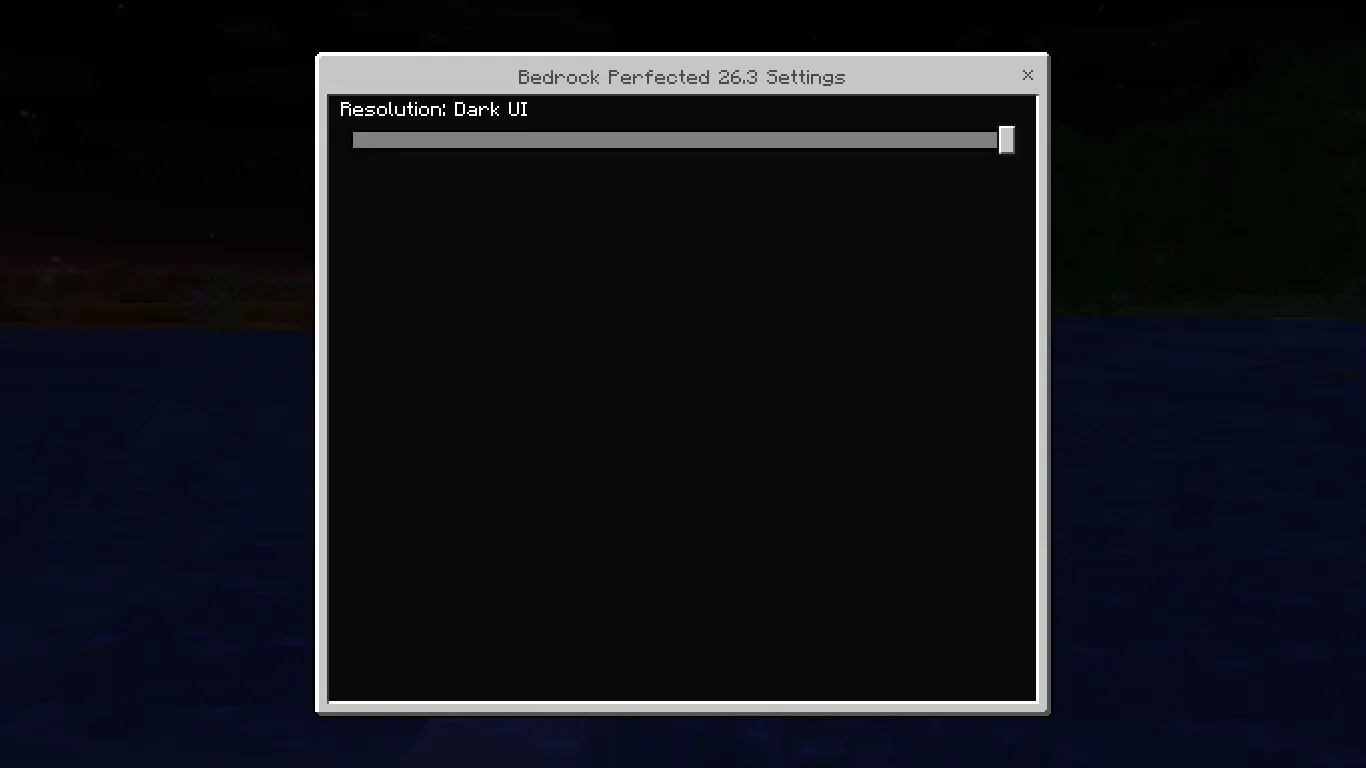
There's also the Addon Configuration item to manage which mechanics you want enabled or disabled. This configuration is per-player, not global.

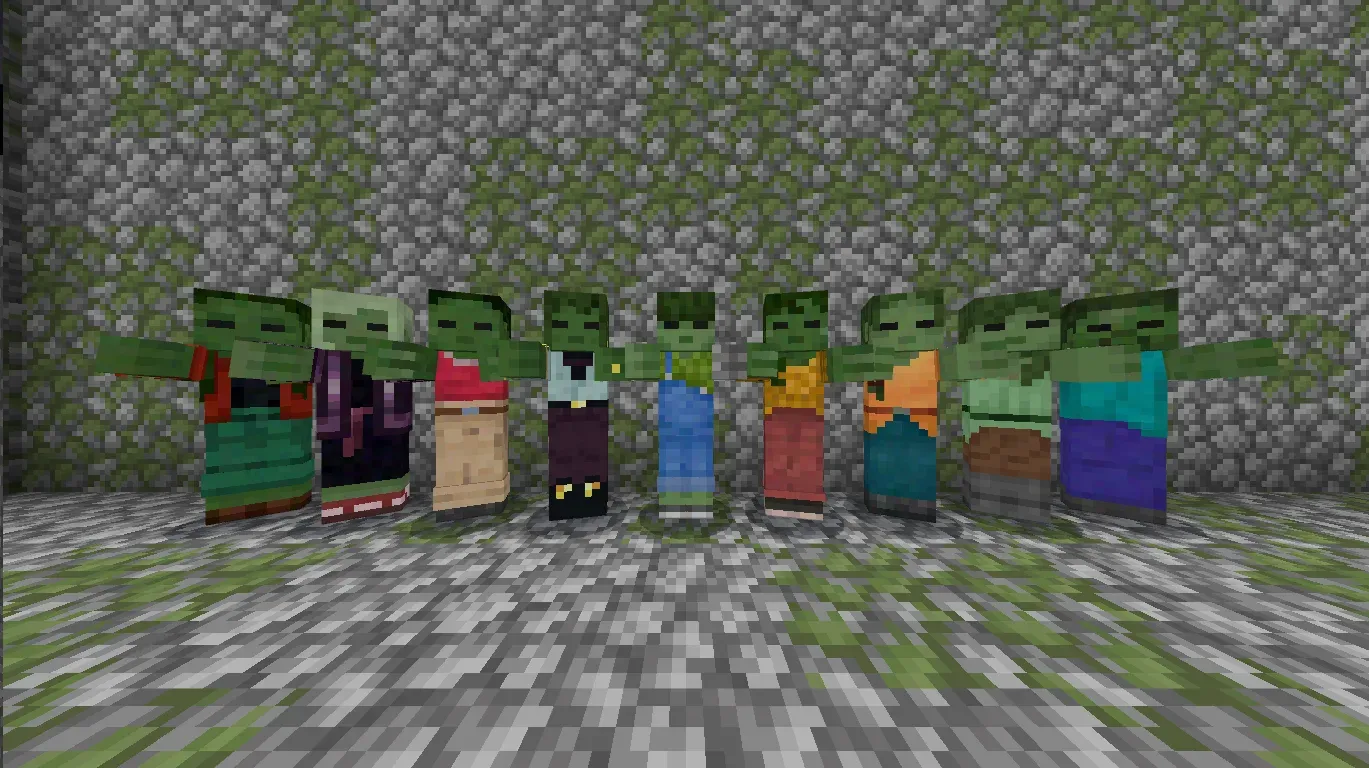
Zombie Variations
Zombies are boring, aren't they? So let's spice them up by adding texture variations!
Golden Savanna
Savannas were getting dull — not anymore! The Savanna biome now has a better golden colors.
Clear Glass
All glass variants are clear now!
Fancier Sunflower
Since glass just got fancier, why not sunflowers? They do now!
Fully Grown Kelp
Don't leave kelp behind — it gets a new texture when fully grown!
Different Stems
The classic pumpkin-and-melon duo also get new stem textures — now they're distinct!
Darker Dark Oak Leaves
Dark Oak should be darker than Oak, right? We changed Dark Oak leaves so they're noticeably darker than Oak leaves.
No Vignette
Vignettes are annoying, right? We've removed them in this update.
Lower Shield
Shields block much of your screen even when unused, so we've lowered them for better visibility.
Sticky Piston Sides
We also changed the Sticky Piston side color to match its front texture.
Pink End Rods
The base of End Rods also got a texture change — they're pink now!
New Items
Finally, we've added the new items mentioned above along with their crafting recipes.
Scroll of the Hearth Item
An item to manage your settlement.

Addon Configuration Item
An item to configure which addon mechanics you want enabled or disabled.
